
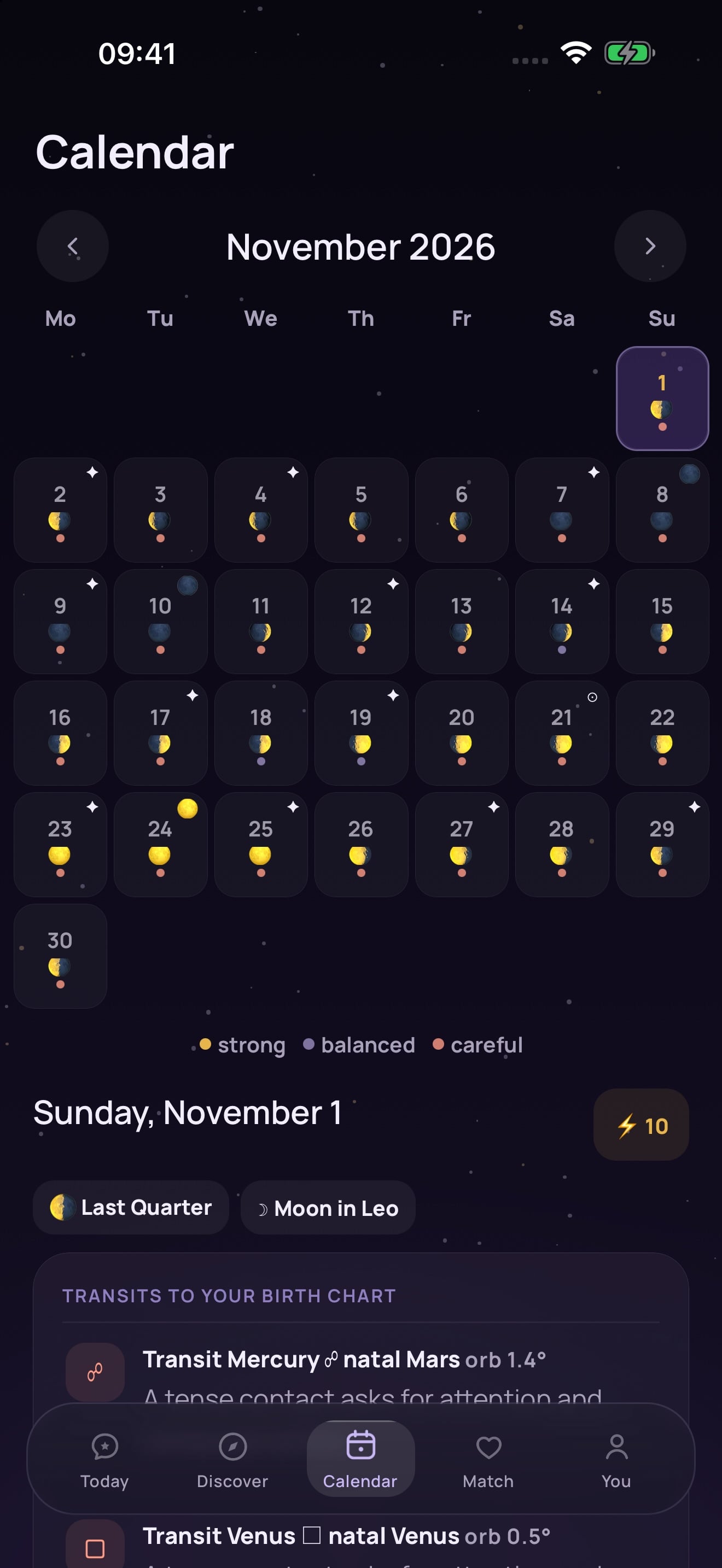
Your personal calendar
Choose a day. See its sky and your personal transits together.
Coming to iPhone
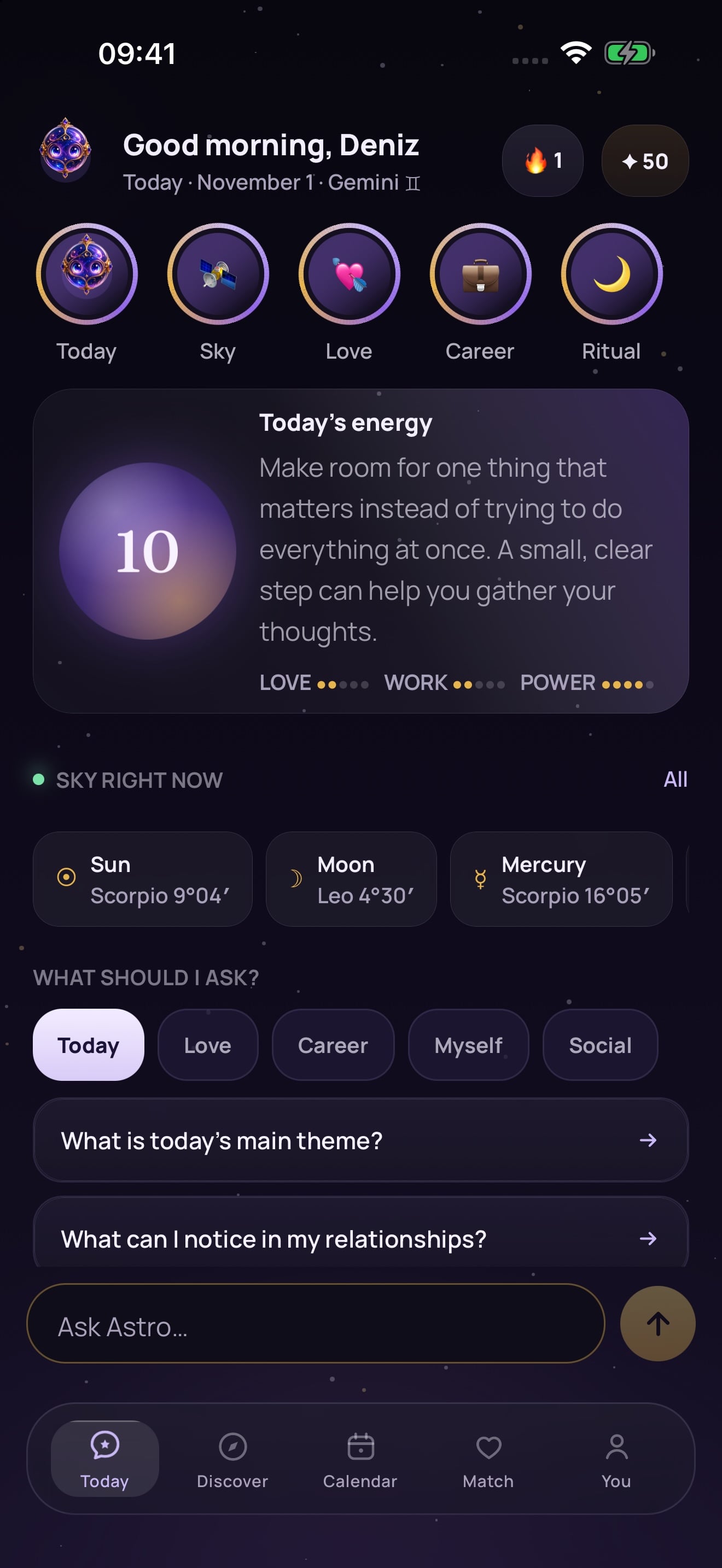
Your birth chart, the sky today, and the questions on your mind. MyAstro brings them together in a personal conversation with Astro.
Coming soon to Türkiye and the European Union
Beyond your Sun sign: Moon, rising, planets, and aspects, together.
The current sky and your personal transits, in the day you’re living.
Your AI sharing permission, language, and account settings are yours to manage.
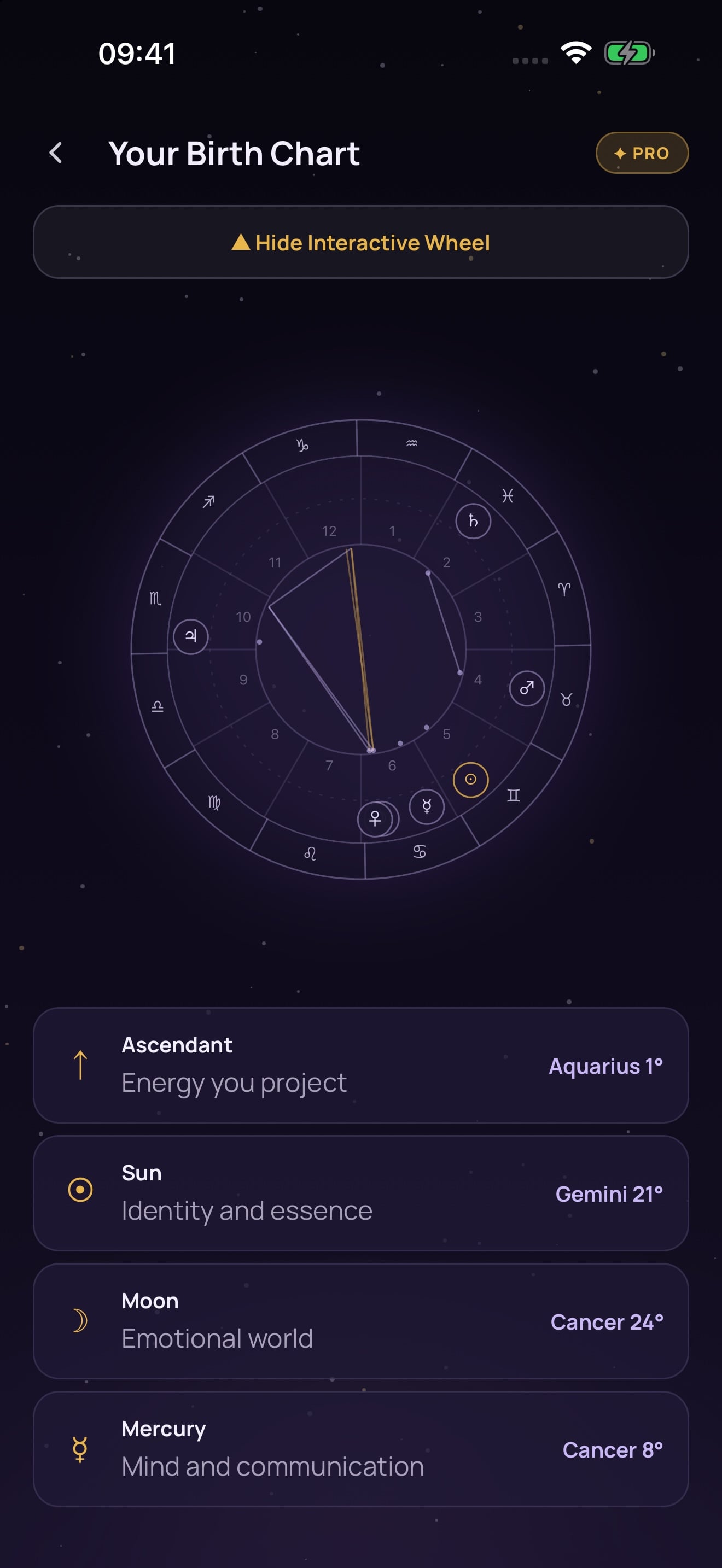
It begins with your birth chart
Explore the sky at the moment you were born, with planetary placements, houses, and aspects. Bring any detail you’re curious about to Astro.
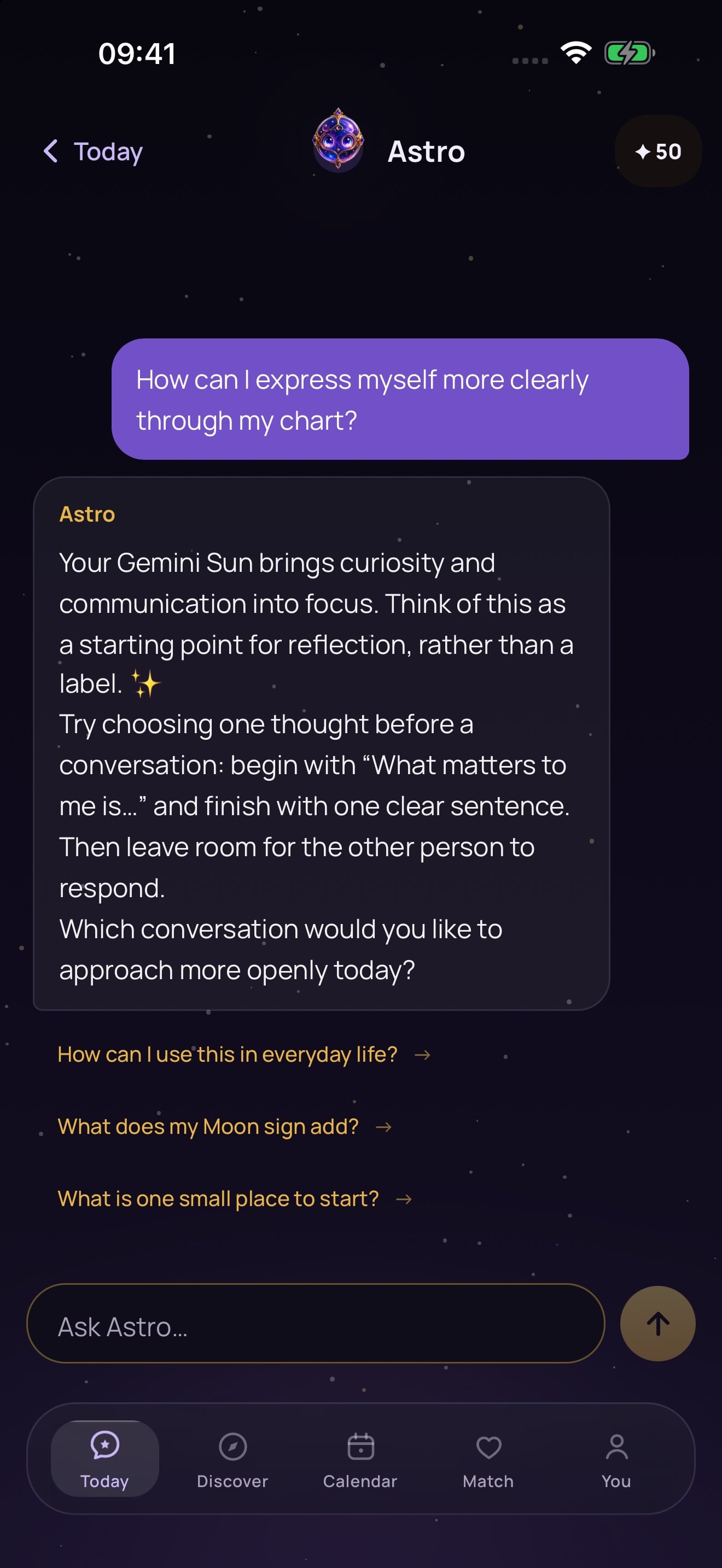
Talk with Astro
A relationship, a step at work, or just how today feels. Astro considers your question alongside your chart and what you’ve explored in the app.
The context behind your questionWhen you move from a reading into chat, you don’t have to explain it all over again.
A conversation at your paceFollow an answer into another question. Take the conversation where you want it to go.
Inside the app
The details of your day, the themes of your year, and something new to discover. Different sides of the same calm, personal experience.
Choose a day. See its sky and your personal transits together.
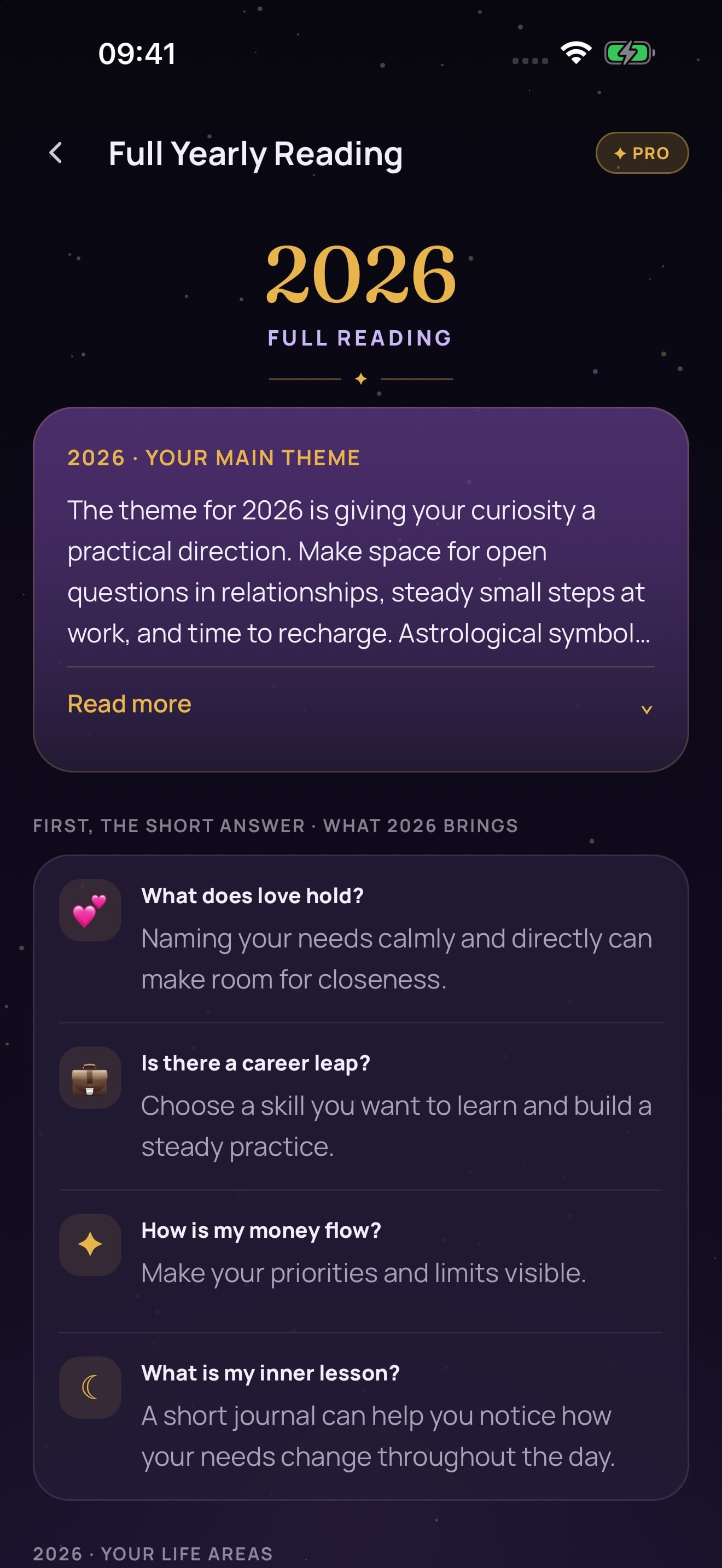
Explore the year’s main theme, seasons, and areas of your life.
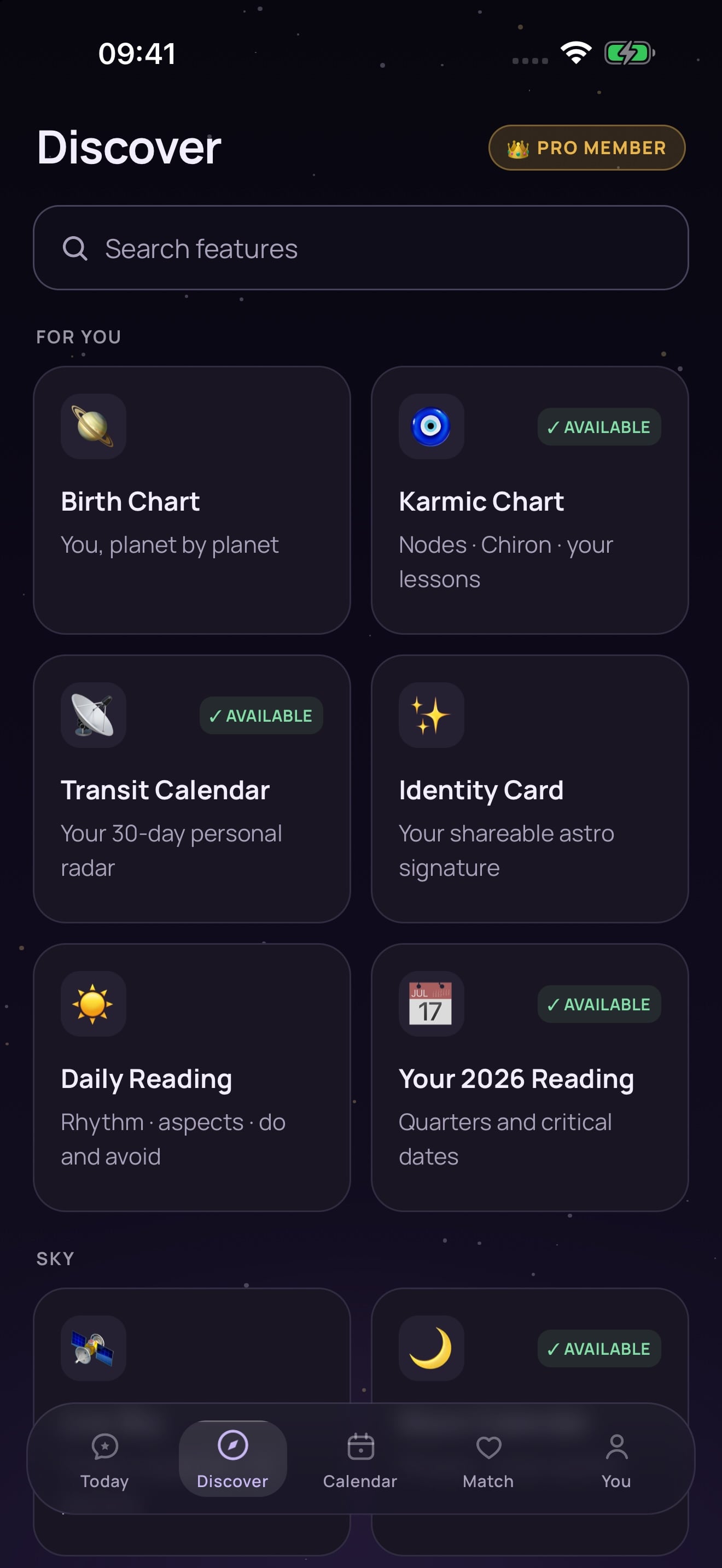
Find live sky, compatibility, retro radar, and more chart tools.
Swipe to explore
From relationship dynamics to live sky, short stories to retro radar. Follow your curiosity.
Keep me postedStart at your own pace
Your date, time, and birthplace are the foundation of your chart. If you don’t know the time, you can say so.
Look at your placements, open Today, or choose a date in your personal calendar.
Let something you’ve explored become the start of a conversation. Ask your questions in your own words.
Room for your own rhythm
Free, Lite, and Pro will be available at launch. Paid features and local prices are shown in the app before you buy.
A first introduction to MyAstro.
3 Astro messages / day
More space for a conversation.
10 Astro messages / day
More questions, a wider perspective.
30 Astro messages / day
Lite and Pro are auto-renewing subscriptions. Apple shows price, duration, and renewal terms before purchase. Standalone yearly reading purchases cover 2026 only.
We’re preparing the iPhone launch. Join the launch list to hear when App Store access opens. You can also choose Android in the form for Android product news.
Yes. You can tell the app you don’t know your birth time. Time-dependent details such as your rising sign and houses have limited precision, and MyAstro makes that clear.
Astro uses public large language models or privately operated AI models to interpret your question, relevant birth chart information, and the content you’re exploring. The app asks for your sharing permission before personal AI features. Answers can be wrong; they are not certain predictions or professional advice.
Both the app and this page are available in English and Turkish. Dates and times in the app follow your device’s time zone.
iOS purchases are handled by Apple. You see the local price and renewal terms before you confirm. Manage subscriptions through your Apple account and restore supported purchases in the app.
Manage AI sharing permission and account preferences in the app. The Privacy and Delete my account links below explain account deletion and data request options.
Let’s take the next step together
Join the email list for the iPhone launch and Android product news. Choose a platform to hear about the updates that matter to you.
The iPhone launch is on its wayWhich platform would you like news about?
There’s no payment to join. You can leave the list at any time.